
Access recovery
Reset your Apphud password, recover access after losing 2FA, or get back into a locked account.
If you can't sign in to Apphud — forgotten password, lost 2FA device, locked account — use the recovery flows below. Account access is personal, so recovery uses your sign-in email.
Reset a forgotten password
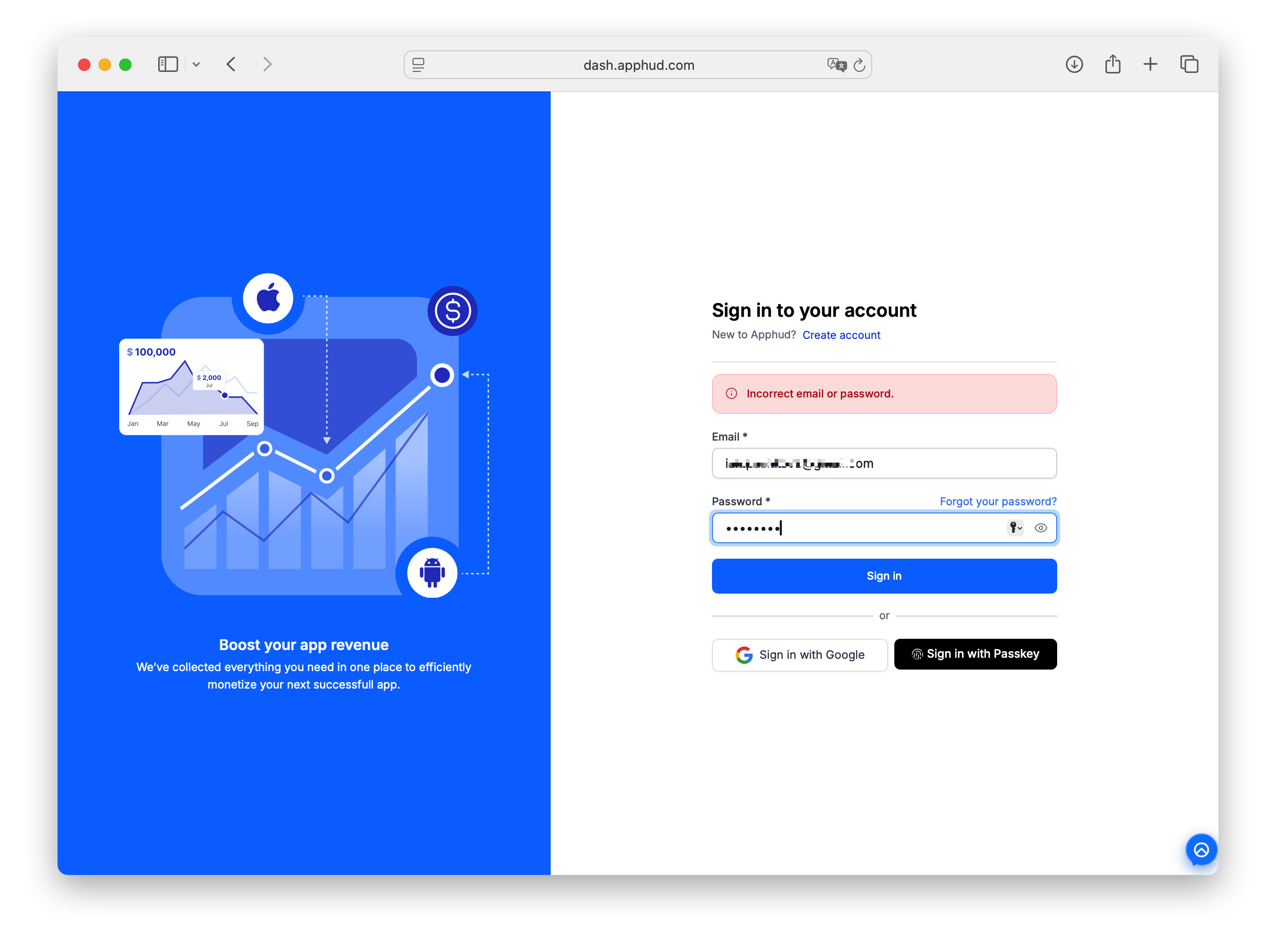
- Open the sign-in page.
- Click Forgot your password? (top-right corner of the password field).
- Enter the email you sign in with.
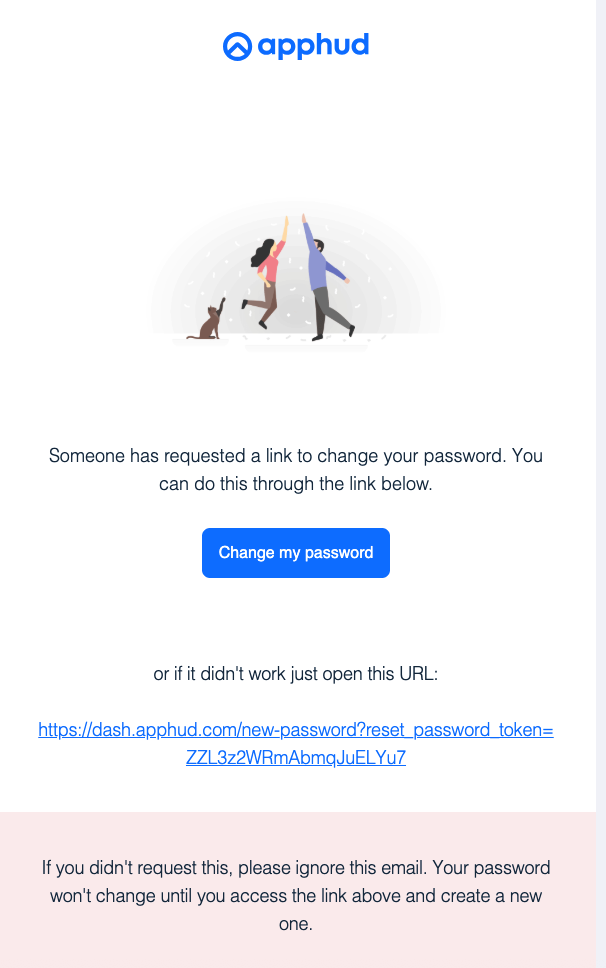
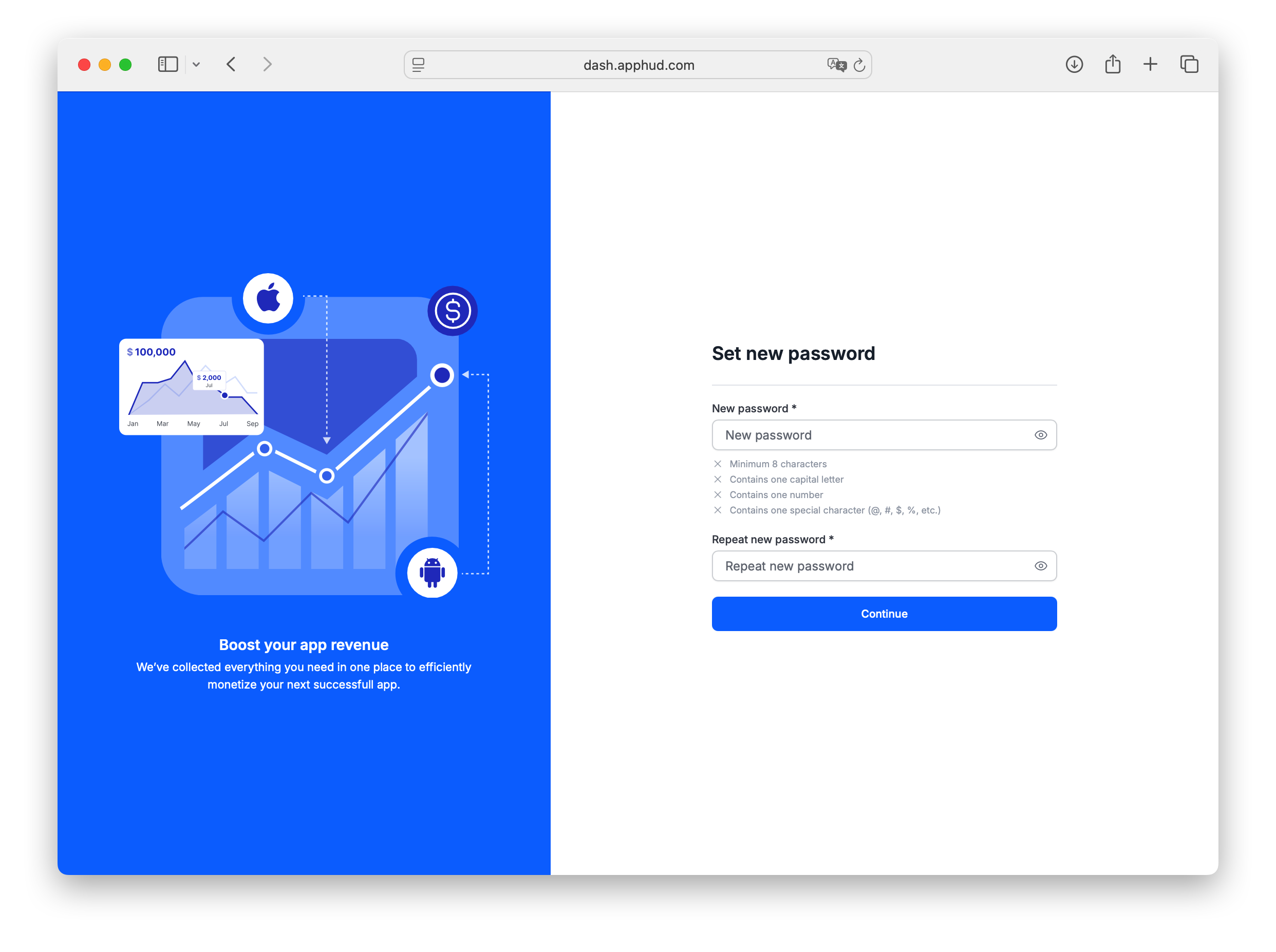
- Apphud sends an email with a password reset link. Open it and follow the link to set a new password.
New password requirements: at least 8 characters, one uppercase letter, one number, one special character (@, #, $, %, etc.).
The reset link is single-use and expires after a short period. If it expires, request another reset from the sign-in page.
My reset email didn't arrive
- Check spam / junk — automated emails sometimes get filtered.
- Confirm you typed the right email (the one tied to your Apphud account).
- If your email provider quarantines messages from unknown senders, allow
[email protected]. - If your work domain blocks external emails, try a different recovery channel — contact Apphud Support with your account email and we'll initiate recovery from our side.
Lost access to your sign-in method
If you signed up via Google or Passkey and lost access to the underlying account, contact Apphud Support — we'll help re-link your Apphud account to a recoverable sign-in method.
FAQ
I don't remember which email I used to sign up
Try the addresses you typically use for work tools. If none work, contact Apphud Support with details that can help us identify your account (organization name, app names, approximate sign-up date).
Will a password reset log me out of other devices?
No, not automatically — resetting your password via the emailed link doesn't end other active sessions. If you want to sign out everywhere (recommended after a suspected compromise), sign in with your new password and use Revoke all other sessions on the Security tab — or, the next time you change your password from that tab, check Sign out of all sessions to do both in one step.
What happens to my organizations and apps after a password reset?
Nothing changes. Your account, organizations, role in each org, and app access stay exactly as they were. Password reset only changes your sign-in credential.
Updated 23 days ago